Receipt Generator
Create professional receipts for restaurants, hotels, gas stations, medical visits, rent, and many more receipt types. Free to use, with a watermark on free downloads. Download as PNG or PDF.
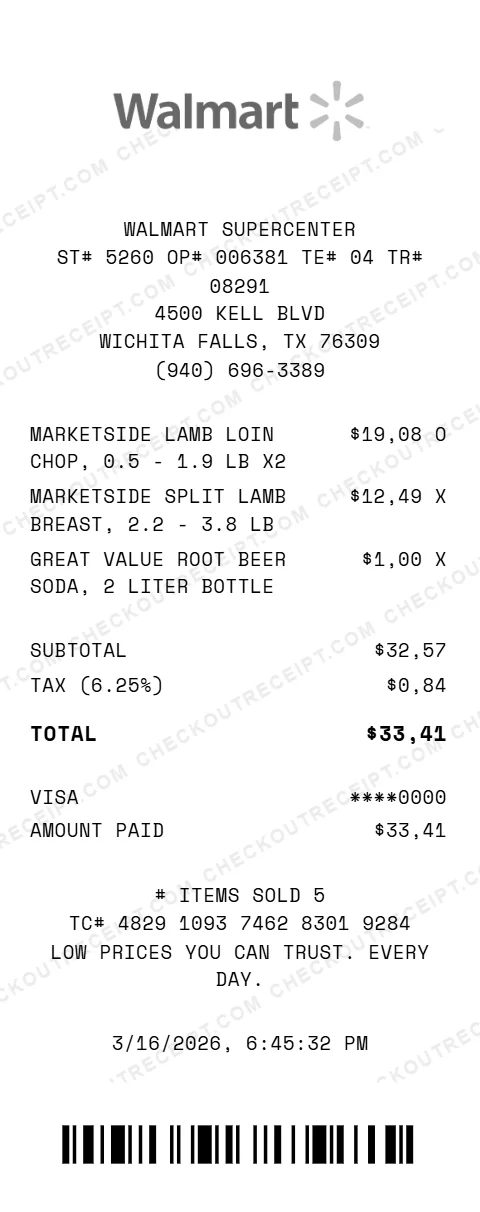
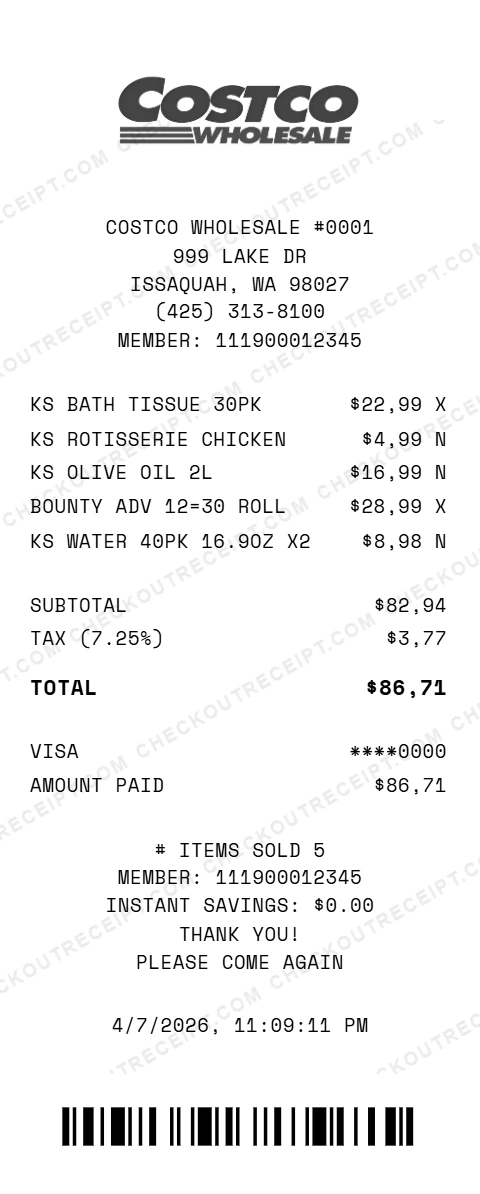
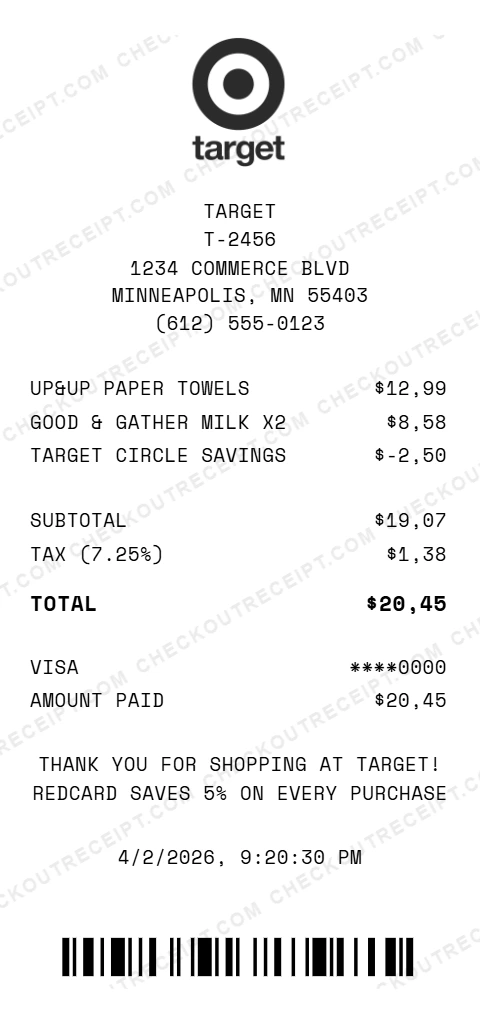
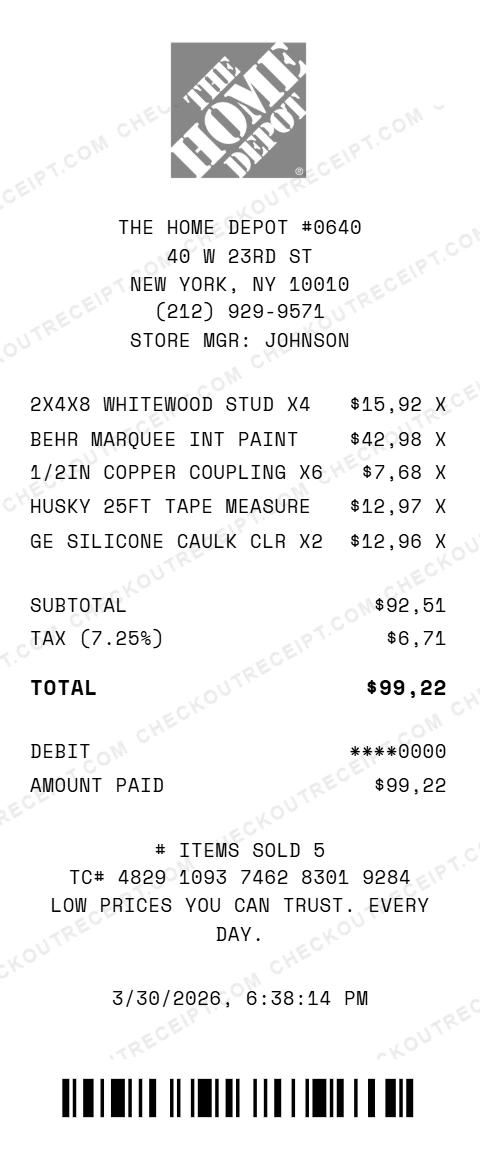
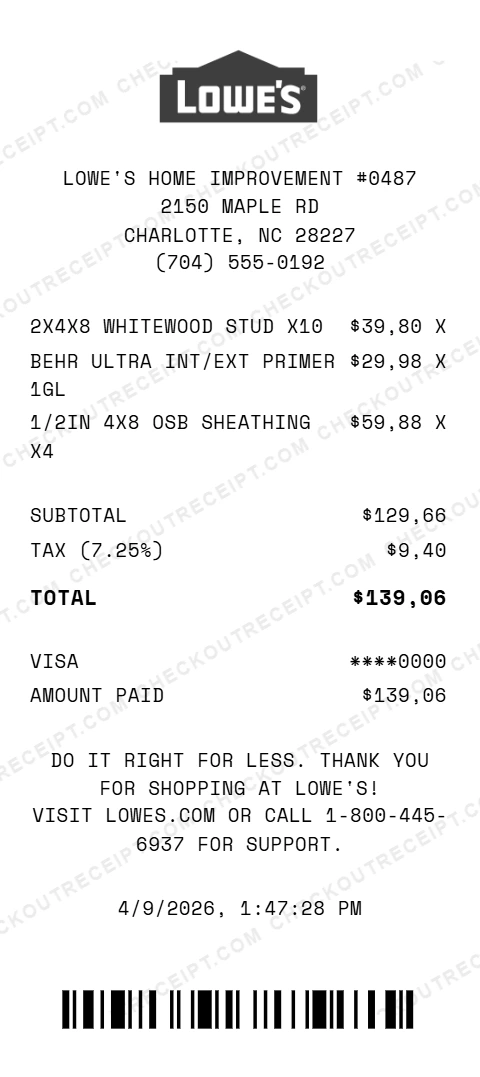
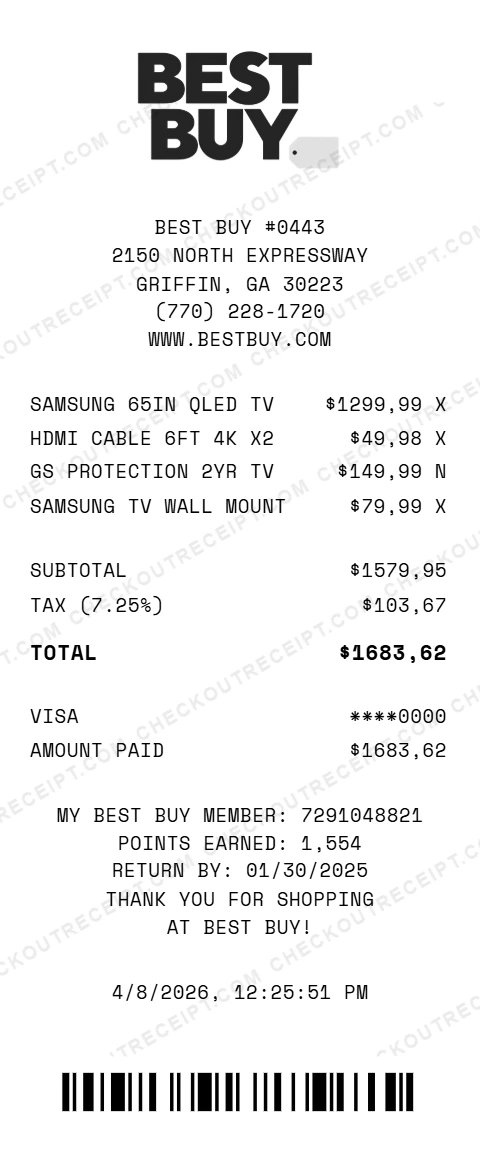
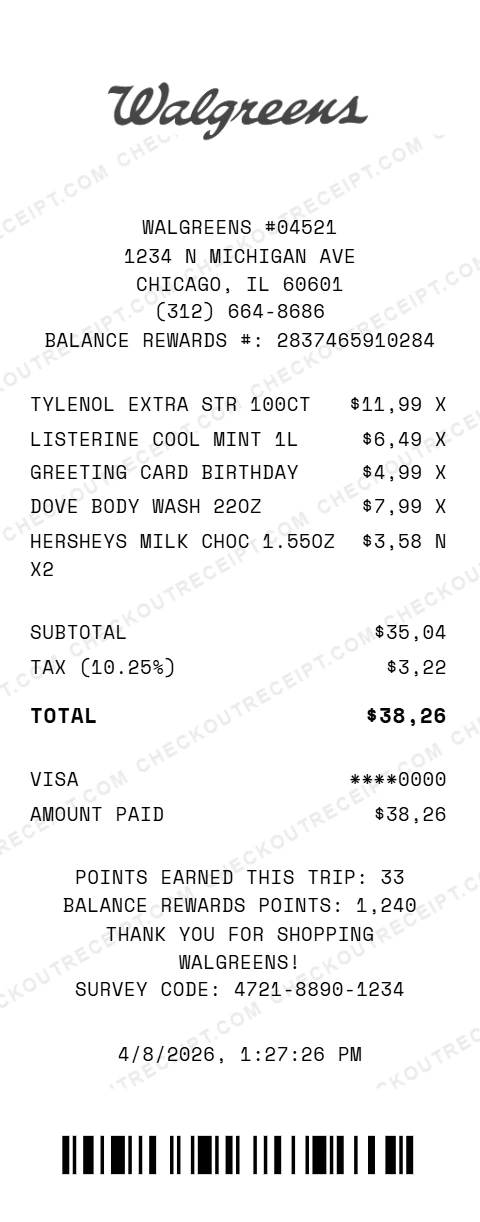
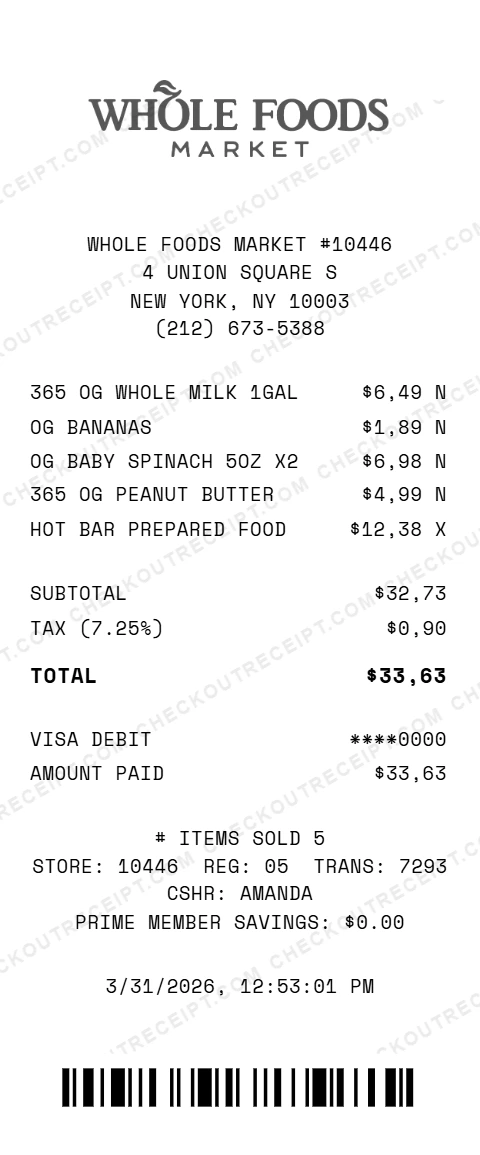
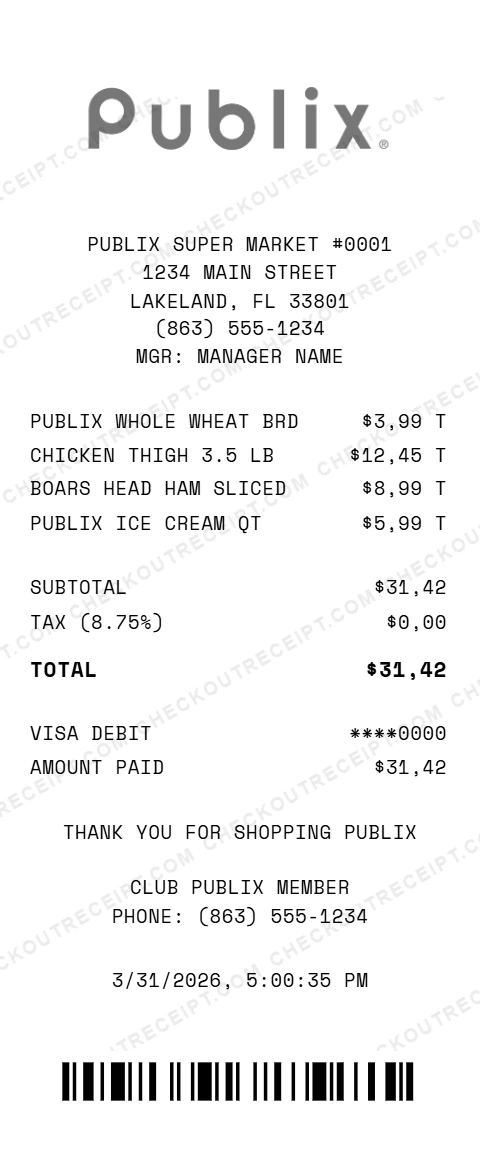
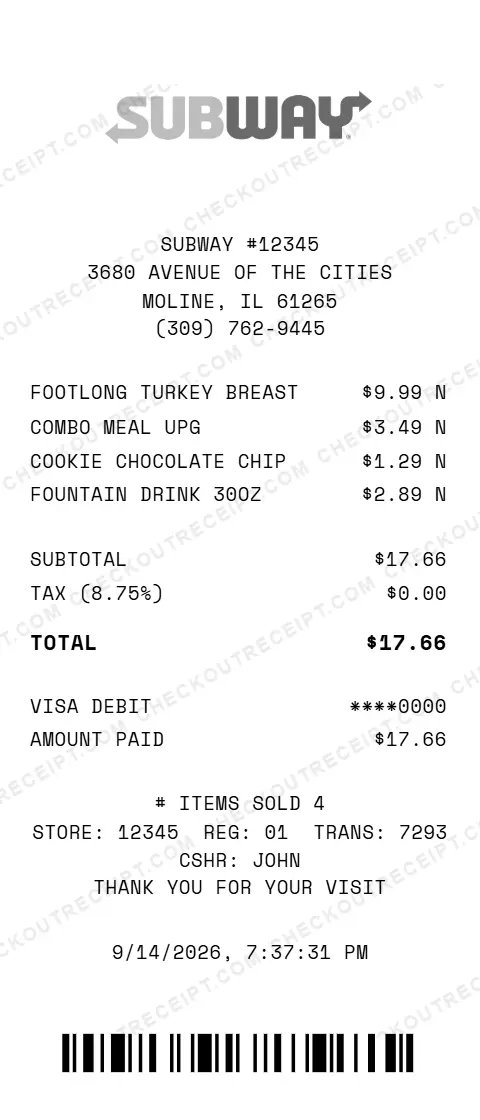
CheckoutReceipt covers 67 receipt types across 10 categories: Retail, Food & Dining, Automotive, Professional Services, Health & Personal Care, Hospitality & Travel, Financial & Administrative, Bills & Utilities, Entertainment, and Service. The editor auto-fills sales tax rates for all 50 US states (or accepts a custom rate), recalculates totals in real time, and exports as PNG or PDF for expense tools like Concur, Expensify, and Brex. Branded generators are available for 36 major chains including Walmart, Target, Costco, Home Depot, Lowe's, Best Buy, Walgreens, Whole Foods, Publix, Subway, Dunkin', Macy's, Marshalls, Burlington, and Ross. The editor runs in your browser, and your receipt data stays on your device while you edit and download. On a paid plan, clicking Save stores that receipt as a template in your account until you delete it.
Deciding between tools? Our guide to the best receipt makers in 2026 scores ten of them on nine criteria, including tax handling and export resolution.
What every receipt needs
Every receipt (whether for a grocery run, a hotel stay, or a medical visit) shares the same six building blocks. Our generator builds each one to match the format of the receipt type you pick.
Header: Merchant Identification
Name, address, phone, and where applicable license or tax ID number. This identifies who the receipt is from and is required for expense reimbursement and tax records.
Line Items: What Was Purchased
Every itemized receipt lists each product or service with description, quantity, and unit price. The IRS, HSA/FSA plans, and insurance claims all require itemization.
Subtotal & Tax Breakdown
The subtotal sums all items before tax. Sales tax is calculated based on state and local rates, with exempt items excluded, such as groceries in Texas.
Payment Method Block
Shows payment type (Visa, Mastercard, cash, etc.), last 4 digits of the card, and authorization. Required for reconciling with credit card statements.
Transaction Metadata
Date, time, transaction number, terminal ID, and cashier. These make the receipt traceable and are required for returns, disputes, and audits.
Barcode & Footer
A scannable barcode at the bottom encodes the transaction for returns and exchanges. Footer text may include return policy, support contact, or promotional messages.
67 Receipt Types
Who uses the receipt generator?
Generated receipts support legitimate documentation needs across dozens of professional and personal scenarios.
Expense Reports
Keep an itemized copy of a receipt for an actual purchase in your own expense records. For a reimbursement in Concur, Expensify, or Brex, ask the business for a copy of the original receipt.
Landlord Documentation
Issue rent receipts to tenants, document security deposits, and track property expenses for tax time. Many states legally require rent receipts on request.
Purchase Records
Keep a copy of a purchase for your own records, with the serial numbers, purchase dates, and item descriptions that thermal receipts often lose to heat. For a warranty, return, or insurance claim, ask the store for a copy of the original receipt.
Tax Records
Create itemized receipts for charitable donations, medical expenses, tuition, childcare, and business expenses. The IRS requires itemization for most deductions.
Everything You Need to Create a Realistic Receipt
The editor adapts to each receipt type. Pick a type, customize the fields, drag sections to reorder, and download.
Custom Logo Upload
Upload your own business logo or start without one. Logos auto-resize to match real receipt proportions.
Font & Paper Textures
Switch between Clean, Thermal, and Receipt fonts. Apply paper textures (#1-#5) to match thermal receipt authenticity.
Barcode Generation
Auto-generates realistic Code 128 barcodes at the bottom of every receipt. Size and length configurable.
Auto Tax Calculation
Select your state for automatic base rate. Tax updates in real time as items change.
Type-Specific Formatting
Each receipt type has its own field set and sample data: medical, hotel, gas station, and more.
Mobile Responsive
Full editor works on phones and tablets. Create and download from any device.
How the Receipt Generator Works in 3 Steps
Choose Type
Pick a receipt type, from restaurant and hotel to medical, rent, or gas station.
Customize Details
Add sections, drag to reorder, fill in store info and line items, select tax rate and payment method.
Download & Use
Click PNG or PDF to download the receipt. Free version includes a subtle watermark.
Tips for Accurate Receipt Records
Keep records matching real transactions
Use this tool to keep copies of purchases that actually happened for your own records. For an HSA/FSA or insurance claim, a return, or a warranty, ask the business for a copy of the original receipt. Fabricated receipts for fraudulent purposes are illegal.
Match the correct state sales tax rate
Select the state where the transaction occurred. The base sales tax auto-fills. For accuracy, add the local city or county tax on top of the state rate manually.
Track expense categorization
Label each receipt with the expense category (meals, travel, supplies) when saving for accounting. Most corporate reimbursement platforms (Concur, Expensify) require a category code at submission.
Understand tax treatment for deductions
Medical, charitable, education, and business expenses each have different IRS deductibility rules. Groceries for your household are not deductible, even in a state that exempts them from sales tax. Know the rule for your expense type.
Include a realistic barcode or transaction number
Every real receipt has a scannable barcode or transaction ID that retailers use for returns and lookups. Our generator auto-creates realistic barcode values per receipt.
Select the right paper style for authenticity
Thermal receipts look different from laser-printed invoices. Choose a paper texture (#1-#5) for the most realistic thermal-paper appearance. PNG at 2x scale reproduces well on phone and desktop.
Most-Requested Receipt Types
These 8 receipt types cover most expense reimbursement, insurance, and record-keeping needs.
Oil Change Receipt
Oil change receipts with oil type (conventional, blend, synthetic), filter SKU, and next-service mileage.
View templateMechanic Receipt
Mechanic receipts with labor-rate × hours math, parts markup, and repair warranty terms.
View templateGas Station Receipt
Gas station receipts with fuel grade, gallons, and price per gallon.
View templateHotel Receipt
Hotel receipts with room rate, layered occupancy/state/city taxes, resort fees, and incidental charges.
View templateRestaurant Receipt
Restaurant receipts with a gratuity line.
View templateRent Receipt
Rent receipts with landlord/tenant names, period covered, property address, and payment method.
View templateMedical Receipt
Hospital or clinic medical receipts with CPT codes and insurance vs patient-portion lines.
View templateTaxi Receipt
Taxi receipts with flag drop, per-mile rate, wait time, tolls, airport surcharges, and tip line.
View templateAll 67 Receipt Types
Every supported receipt type, grouped by industry category. Click any type to see the full format guide, tax treatment, and FAQ.
If you need branded formats instead, see the store-specific receipt generators for Walmart, Target, Costco, and 33 other chains, or the full template gallery.
Retail
Grocery, pharmacy, electronics, clothing, and other brick-and-mortar retail receipts.
Grocery Receipt
Itemized grocery receipts with tax-exempt food distinction and per-state sales tax.
Convenience Store Receipt
Small-basket convenience store receipts with tobacco, alcohol, and lottery lines.
Pharmacy Receipt
Pharmacy receipts with Rx prescription numbers.
Hardware Store Receipt
Hardware store receipts with contractor pro-account pricing and building material tax.
Clothing Store Receipt
Clothing receipts with return window details.
Bookstore Receipt
Bookstore receipts with ISBN codes and used-vs-new labels.
Electronics Store Receipt
Electronics receipts with warranty plans, serial numbers, and environmental handling fees.
Furniture Store Receipt
Furniture receipts with delivery, assembly, financing terms, and protection plan line items.
Flower Shop Receipt
Florist receipts with delivery date, recipient address, card message, and service charge split.
Jewelry Receipt
Jewelry receipts with appraisal values and metal/gemstone specs.
Pet Store Receipt
Pet store receipts with supplies, live animals, adoption fees, and grooming services.
Department Store Receipt Generator
Retail Receipt Generator
Warehouse Club Receipt Generator
Food & Dining
Restaurant, cafe, fast food, bar, and catering receipts with itemized dishes and drinks.
Restaurant Receipt
Restaurant receipts with a gratuity line.
Fast Food Receipt
Fast food receipts with combo meal breakdown and drive-thru versus dine-in handling.
Cafe Receipt
Cafe receipts with drink modifier pricing, milk alternatives, and loyalty program credits.
Bar Receipt
Bar receipts with bottle service and tip lines.
Nightclub Receipt
Nightclub receipts with bottle service, VIP table minimums, cover charges, and mandatory gratuity.
Catering Receipt
Catering receipts with per-person pricing, deposit/balance, and equipment rental line items.
Food Truck Receipt
Food truck receipts with location stamp, quick-service format, and cash-forward payment patterns.
Automotive
Oil change, mechanic, gas station, car wash, and rental receipts for vehicle expenses.
Auto Service Receipt
Auto service receipts with scheduled maintenance intervals, VIN, and labor-plus-parts breakdown.
Oil Change Receipt
Oil change receipts with oil type (conventional, blend, synthetic), filter SKU, and next-service mileage.
Mechanic Receipt
Mechanic receipts with labor-rate × hours math, parts markup, and repair warranty terms.
Gas Station Receipt
Gas station receipts with fuel grade, gallons, and price per gallon.
Car Wash Receipt
Car wash receipts with service tier packages and monthly membership versus single-wash billing.
Car Rental Receipt
Car rental receipts with daily rate, insurance, fuel policy, and airport/one-way fees.
Parking Receipt
Parking receipts with time in/out stamps, validation codes, and monthly versus transient rates.
Professional Services
Plumbing, electrical, cleaning, lawn care, painting, and moving service receipts.
Plumbing Receipt
Plumbing receipts with emergency versus scheduled rates and parts-markup disclosure.
Electrician Receipt
Electrician receipts with permit and inspection fees, contractor license, and hourly or flat-rate pricing.
Cleaning Service Receipt
Cleaning service receipts with hourly, flat-rate, or square-footage pricing and recurring discounts.
Lawn Care Receipt
Lawn care receipts with seasonal service packages and equipment-or-material line items.
Painting Receipt
Painting receipts with paint-and-labor line split, square footage pricing, and color brand details.
Moving Receipt
Moving receipts with hourly crew rate, truck fee, packing materials, and long-distance mileage.
Health & personal care
Medical, doctor, vet, salon, spa, gym, and laundry receipts for personal records.
Medical Receipt
Hospital or clinic medical receipts with CPT codes and insurance vs patient-portion lines.
Doctor Receipt
Private practice doctor receipts with copay documentation.
Veterinary Receipt
Veterinary receipts with animal patient details and Rx versus service lines.
Salon Receipt
Salon receipts with service and product lines and a tip line.
Barbershop Receipt
Barbershop receipts with flat-rate service pricing, add-ons, and barber tip line.
Spa Receipt
Spa receipts with treatment packages and membership billing.
Gym Receipt
Gym receipts for single-day passes and recurring memberships with personal training add-ons.
Laundry Receipt
Laundry receipts with per-pound wash & fold, per-item dry cleaning, and alteration line items.
Hospitality & Travel
Hotel, airline, taxi, delivery, courier, and shipping receipts for travel expenses.
Hotel Receipt
Hotel receipts with room rate, layered occupancy/state/city taxes, resort fees, and incidental charges.
Taxi Receipt
Taxi receipts with flag drop, per-mile rate, wait time, tolls, airport surcharges, and tip line.
Airline Receipt
Airline receipts with fare class, base fare, taxes, baggage, seat selection, and trip insurance.
Delivery Receipt
Delivery receipts with item cost, delivery fee, service fee, driver tip, and platform breakdown.
Courier Receipt
Courier receipts with same-day versus scheduled delivery, weight-based or flat-rate pricing, and tracking number.
Shipping Receipt
Shipping receipts with carrier, service level, insurance, signature confirmation, and tracking number.
Financial & Administrative
Rent, donation, cash, expense, tuition, insurance, and subscription receipts.
Rent Receipt
Rent receipts with landlord/tenant names, period covered, property address, and payment method.
Donation Receipt
501(c)(3) donation receipts with tax-deductible language, no-goods-or-services statement, and EIN.
Cash Receipt
Cash receipts with payer and payee fields, purpose of payment, and signature line.
Sales Receipt
Simple sales receipts with seller, buyer, item description, price, sales tax, and total.
Expense Receipt
Business expense receipts with category, project code, client code, and reimbursement status.
Money Transfer Receipt
Money transfer receipts with sender, recipient, reference number, and exchange rate for international sends.
Tuition Receipt
Tuition receipts with academic term, tax-deductible education expense, and Form 1098-T reference.
Childcare Receipt
Childcare receipts with provider tax ID and child name(s).
Insurance Receipt
Insurance premium receipts with policy number, coverage period, and deductible/premium distinction.
Subscription Receipt
Subscription receipts with recurring billing disclosure, next renewal date, and cancellation instructions.
Itemized Receipt
Format explainer: what 'itemized' means, required fields for tax, insurance, and expense use. Links to all other receipt types.
Bills & Utilities
Utility, phone, and internet bill receipts for records.
Utility Bill Receipt
Utility bill receipts with meter reading, usage, base charge, and state/local taxes and fees.
Phone Bill Receipt
Phone bill receipts with plan charges, device financing, usage overages, taxes, and regulatory fees.
Internet Bill Receipt
Internet bill receipts with service tier, equipment rental, installation fees, and applicable taxes.
Entertainment
Movie theater, concert, and event ticket receipts for expense and reimbursement.
Movie Theater Receipt
Movie theater receipts with ticket and concession split plus premium format (IMAX, Dolby) surcharges.
Concert Receipt
Concert receipts with venue, date, section/row/seat, service fees, and delivery fees.
Event Ticket Receipt
Event ticket receipts with event name, date, venue, ticket tier, and layered service fees.
Service (Generic)
Generic service receipts and storage unit receipts for miscellaneous billing.
Receipt Generator vs Alternatives
How CheckoutReceipt compares to other ways of creating a receipt.
| Feature | CheckoutReceipt | Expensify | Manual Word Doc |
|---|---|---|---|
| Receipt type templates | 67 | 0 (OCR only) | Start from scratch |
| Auto state tax rates | Yes, all 50 states | No | No |
| Barcode generation | Yes (Code 128) | No | No |
| Professional formatting | Built-in | N/A | Do it yourself |
| Cost | Free (watermark) / $4.99+ | $5-18/user/mo | Free but slow |
Branded Store Templates
Need a receipt matching a specific chain? Use one of our branded store templates below.
Free Tools for Receipt & Expense Management
Use these companion tools alongside the receipt generator for complete documentation.
Sales Tax Rates by State
Look up accurate sales tax rates for any US state and major city.
ExploreTrue Cost of a Car by State
Calculate full vehicle cost including sales tax, registration, and fuel taxes by state.
ExploreSales Tax Calculator
Fast sales tax calculator for any amount at any rate.
ExploreReceipt Tax Codes
Look up sales tax codes that appear on receipts: N, X, T, F, and what they mean by state.
ExploreTip Calculator
Calculate tip amounts and split bills across guests with custom percentages.
ExploreCurrency Converter
Convert receipt totals between USD, EUR, GBP, and 30+ currencies at live rates.
ExploreBusiness Documentation Use Only
The receipts generated by CheckoutReceipt are intended for legitimate purposes: expense tracking, record reconstruction, template design, business documentation, and educational use. Creating receipts for fraud, deception, or misrepresentation is illegal and violates our Terms of Service. Generated receipts include optional watermarking and should not be used to misrepresent transactions that did not occur.
Frequently asked questions
Find answers to common questions about our receipt generator.
Ready to Create Your Receipt?
Pick one of 67 receipt types, fill in the details, and download it as a PNG or PDF.
Last updated: October 2026